
What is a 3D pergola configurator?
A 3D pergola configurator is a web-based tool that lets customers design a pergola interactively — choosing structure type, dimensions, materials and optional extras — while a photorealistic 3D model updates in real time. Unlike static product images or brochures, the configurator puts the design decision in the customer's hands: they build the product they want, see what it will look like, and receive an instant price.
For dealers, the output of a configurator session is a complete, qualified lead: the customer's contact details, their exact configuration, the configured price, and a generated quote — all delivered automatically to the dealer's CRM without any manual work.
3D pergola configurators serve a dual purpose: they are a lead generation tool on your website and a sales acceleration tool in your showroom. The best platforms are both customer-facing and salesperson-facing, covering the full journey from first online visit to signed contract.
How a 3D pergola configurator works
The customer experience in a well-designed pergola configurator typically takes 5–10 minutes and follows this flow:
- Choose a structure type. Freestanding, wall-mounted, bioclimatic louvred — the customer selects the category that matches what they are looking for.
- Set dimensions. Width and depth are entered or adjusted via slider. The 3D model scales in real time. A live price counter at the base of the screen updates with each change.
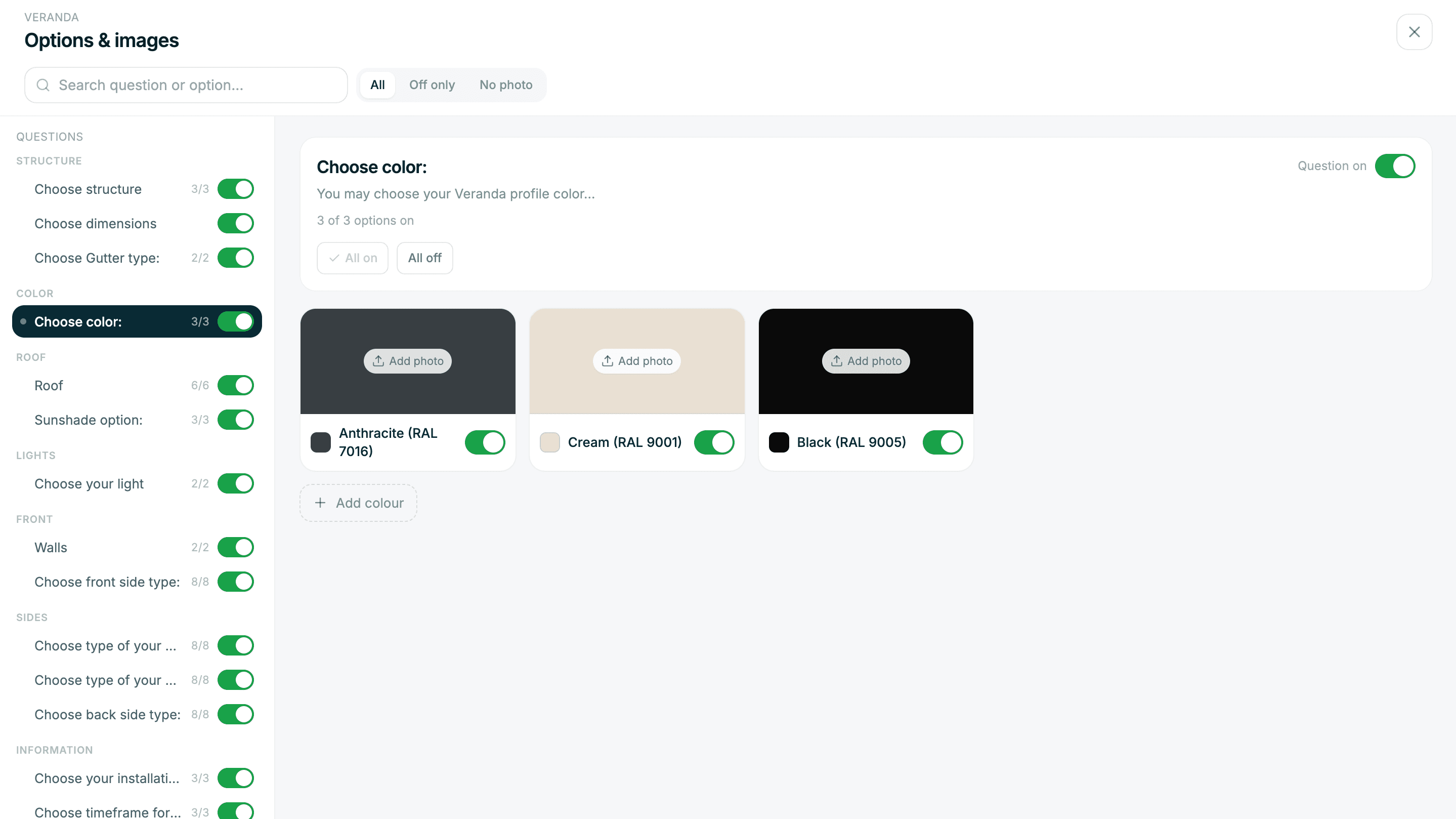
- Select materials and finish. Roof type (polycarbonate, glass, aluminium louvres), frame colour (RAL palette or brand colours), gutter profile. Each choice updates the model instantly.
- Add accessories. LED lighting, heaters, integrated screens, privacy screens — shown as toggle options with their individual prices.
- Review and submit. The customer sees a final 3D render of their configured pergola with the total price. They enter their name, email, phone and address. The dealer receives the full lead instantly.
The lead that arrives in the dealer's CRM contains everything needed to prepare a formal quote: the configuration, the rendered image, the price breakdown and the customer's contact details. The dealer can generate a signed quote and send it within minutes of receiving the lead.
Why dealers use 3D pergola configurators
The business case for a 3D pergola configurator combines lead generation, sales efficiency and close rate improvement:
Generating leads from website traffic
The average outdoor living dealer website converts 1–3% of visitors into leads via contact forms. A configurator embedded on a product page typically converts 4–10% of visitors into qualified leads. These are not just names and email addresses — they are complete product specifications from customers who have already committed 5–10 minutes of engagement.
Compressing the sales cycle
Traditional pergola sales cycles run 2–4 weeks: enquiry, site visit, measurement, manual quote, revision, signature. With a configurator, the customer completes the requirements-gathering step themselves before making contact. The sales cycle becomes: configurator submission → personalised follow-up → site visit → signature. For standard products, this can happen in days rather than weeks.
Improving close rates
Customers who configure their own product are psychologically more committed than those who submit a generic enquiry. Research documented in our article on how a 3D configurator increases your close rate explains the mechanisms behind this — ownership psychology, price anchoring and commitment through configuration time all contribute.
Upselling naturally
When customers can see accessories in 3D on their own structure, they add them. An integrated lighting kit that gets mentioned verbally in a showroom conversation might be declined; the same option shown on a photorealistic 3D model of the customer's own pergola is a much easier yes. Dealers consistently report higher average order values from configurator leads than from phone or form enquiries.
3D pergola configurators and bioclimatic pergolas
The fastest-growing category in the pergola market is the bioclimatic pergola — a louvred aluminium structure where the blade pitch is motorised and adjustable. These products have specific configuration complexity that not all configurators handle:
- Louvre blade orientation and pitch control
- Integrated drainage channels
- Motor and smart home integration options
- Side screen and glass infill options
- Structural span limits based on blade pitch
A quality 3D pergola configurator for the current market must handle bioclimatic products — not just traditional fixed-roof pergolas. When evaluating platforms, ask to see a bioclimatic configuration in action before committing.
Using the configurator in the showroom
A 3D pergola configurator is not only a website tool. Dealers who use it during showroom consultations — on a tablet or large touchscreen — consistently report two outcomes: shorter appointments and higher average order values.
The mechanism is straightforward: instead of describing options verbally or pointing at physical samples, the salesperson and customer design the pergola together in the configurator. The customer sees their choices in 3D in real time, which accelerates agreement on specification and surfaces natural upsell opportunities (adding lighting, screens, heating) without any hard selling.
Some dealers use the configurator to manage the entire showroom consultation — starting in the configurator, moving to a physical sample board for colour selection, and returning to the configurator to finalise the quote before the customer leaves.
Embedding a 3D pergola configurator on your website
Most modern pergola configurator platforms offer an embed option — a single script tag you add to your website that loads the configurator as an interactive widget. This allows you to place the configurator directly on your pergola product page, a dedicated landing page, or both.
Our full guide to embedding a 3D configurator on your website covers placement strategy, technical implementation and performance considerations in detail.
If you would prefer to start by seeing what a 3D pergola configurator looks like on your specific product range, sign up for free with the Zinevu team.