
What is a white-label 3D configurator?
A white-label 3D configurator is a product configuration tool that runs entirely under your own brand — your logo, your colour scheme, your domain name — with no visible reference to the underlying software provider.
For veranda dealers and outdoor living businesses, this distinction matters. When a homeowner opens a configurator at configurator.your-company.com and sees your logo, your brand colours and your product names, it is a seamless extension of your website and your company. They are buying from you, not from a SaaS platform they have never heard of.
White-label software is common in sectors like insurance, fintech and ecommerce — and it is now standard in the outdoor living configurator market. The best 3D configurator platforms are built to disappear into your brand. The technology is invisible; your product is front and centre.
Why branding your configurator matters
In a high-value, high-trust purchase like a veranda installation — typically ranging from €5 000 to €25 000 or more — brand consistency directly affects conversion rates.
Trust transfer. When a homeowner has been browsing your website for 10 minutes and then opens a 3D configurator that looks completely different — different fonts, different colours, a third-party logo in the corner — the trust they built on your website does not transfer. Research on brand consistency and user experience from Nielsen Norman Group confirms that visual inconsistencies reduce perceived credibility, particularly for unfamiliar brands.
Professionalism signal. A branded configurator signals that your business is established and invested in the customer experience. Generic or visibly third-party tools signal the opposite — that you have bolted on an off-the-shelf widget.
Data ownership. When leads submit configurations through your white-label URL, the data is yours. There is no ambiguity about who owns the customer relationship.
SEO and direct traffic. A configurator at configurator.your-domain.com generates traffic and potentially backlinks to your domain — not to a third-party platform. This has long-term value for your search visibility.
What white-labelling includes
A comprehensive white-label configurator package should include all of the following:
- Custom domain. The configurator is served from a subdomain of your own website (e.g.
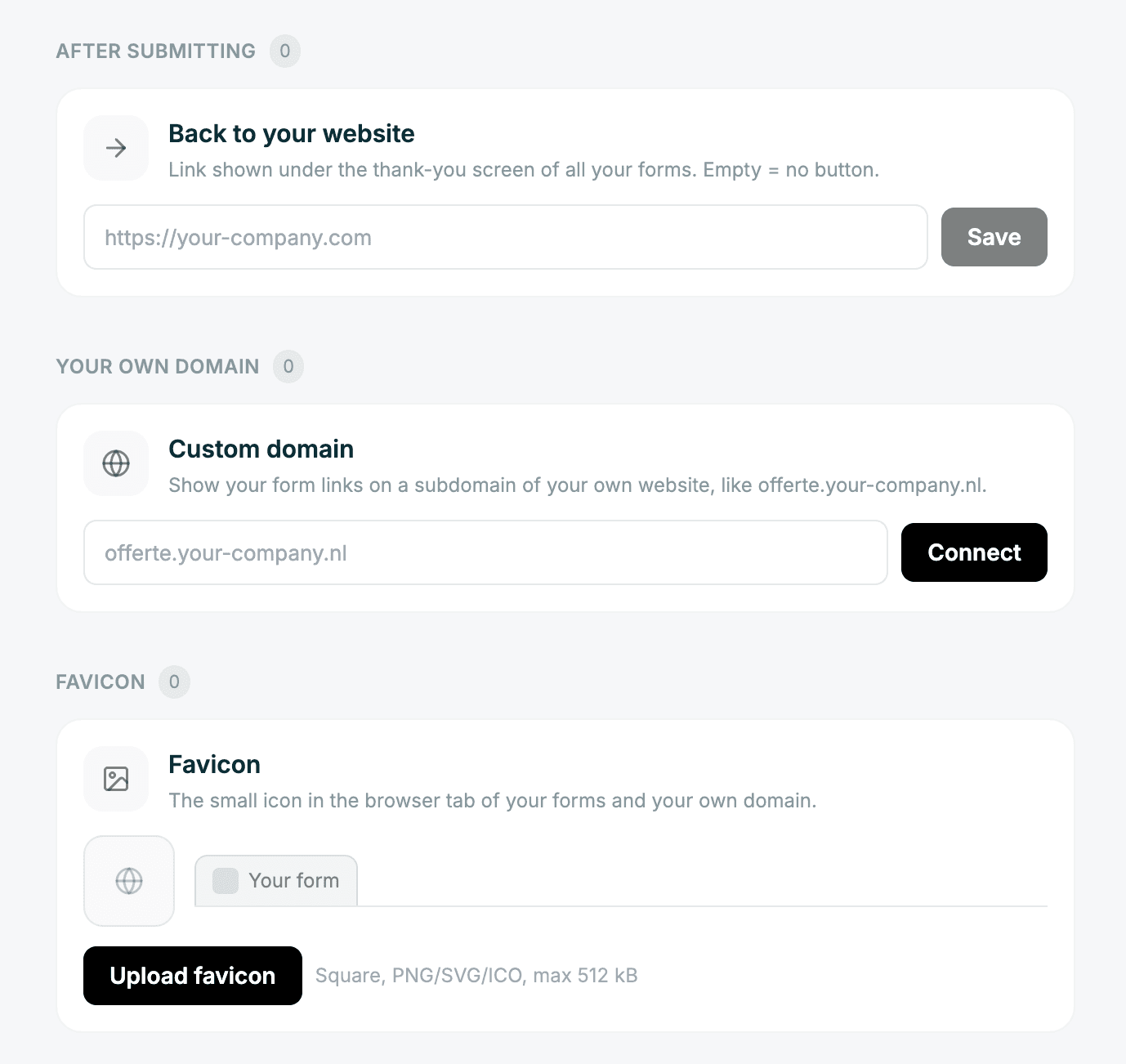
configurator.yourcompany.comordesign.yourcompany.nl). No third-party domain appears in the browser address bar. - Logo and favicon. Your logo appears in the header of the configurator. Your favicon appears in the browser tab. When customers share the URL, your brand is what appears in link previews.
- Colour scheme. Primary and secondary colours match your corporate identity. The configurator UI adapts to your brand rather than requiring your brand to adapt to the software.
- Removal of provider branding. "Powered by [Provider]" badges, footer links and provider logos are removed entirely from customer-facing views.
- Custom email templates. Confirmation emails sent to customers after they submit a configuration come from your email domain with your branding.
- Branded quote PDFs. The quote documents generated from configurations carry your logo, your contact details and your visual identity.
In Zinevu, all of these are available from the dealer portal under Settings → White Label. There is no code required and no IT department needed.
How to set up your white-label configurator
Setting up a white-label 3D veranda configurator in Zinevu takes under an hour for most dealers. Here is the process:
- Upload your logo. Go to Settings → White Label in your dealer portal. Upload your logo in SVG or PNG format (SVG preferred for crispness at all sizes). This appears in the configurator header immediately.
- Upload your favicon. Upload a square version of your logo or icon (at least 32×32 px) for the browser tab. This is used when customers bookmark your configurator link.
- Set your brand colours. Enter your primary and secondary hex codes. The UI applies them to buttons, accents and interactive elements.
- Configure your product catalogue. Make sure all the structures, materials and options you want visible to customers are enabled in your Options & Images section.
- Set up your domain (see next section).
Custom domain: serving from your own URL
Setting up a custom domain for your configurator is a DNS configuration task that takes about 10 minutes, though DNS propagation can take up to 24–48 hours.
The process in Zinevu:
- In Settings → White Label → Custom Domain, enter your desired subdomain (e.g.
configurator.yourcompany.com). - Zinevu provides a CNAME record to add to your domain's DNS settings.
- Log in to your domain registrar (e.g. TransIP, Versio, GoDaddy) and add the CNAME record to your DNS configuration.
- Wait for DNS propagation (typically 30 minutes to 2 hours; up to 48 hours in some cases).
- Zinevu automatically provisions an SSL certificate (HTTPS) for your domain via Let's Encrypt. Your configurator will serve securely from your custom URL.
After setup, the URL configurator.yourcompany.com serves your fully branded 3D configurator. You can share this link in emails, put it in your social media bio, embed it in ads, or add it as a button on your product pages.
For more on embedding the configurator, read our guide on how to embed a 3D configurator on your website.
White-label configurators for dealer networks
If you are a manufacturer, importer or brand owner with a dealer network, white-label configurators serve an additional strategic purpose: enabling each dealer to offer your products through their own branded experience.
This model works as follows: the parent company configures the master product catalogue and pricing rules. Each dealer in the network gets their own white-label instance — their own subdomain, their own logo, their own colour scheme — all drawing from the shared product catalogue.
Benefits for the network owner:
- Consistent product presentation across all dealers
- Centralised catalogue management — update one product, all dealers see the change
- Lead data visible at the network level (with appropriate permissions)
- Faster dealer onboarding — a new dealer has a configured, branded configurator within hours
If you are exploring this model, sign up for free to discuss how dealer network configuration works in practice. You can also review the 3D Configurator platform page for a full feature overview.